






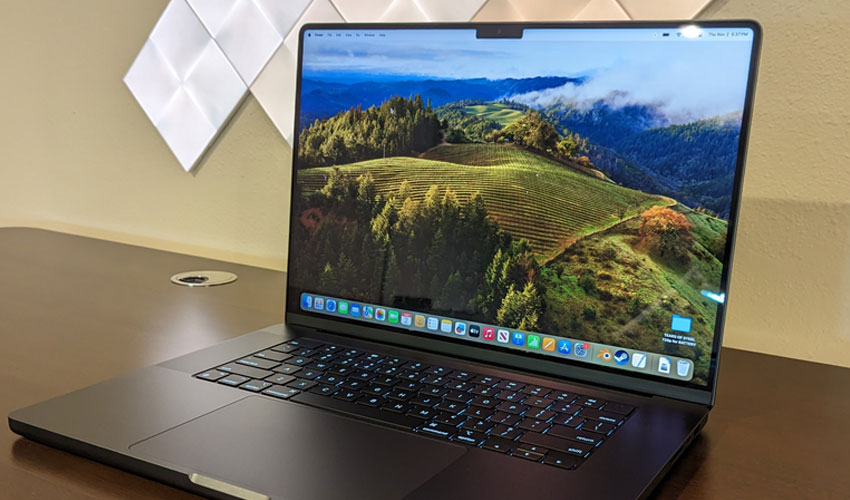
As laptops have become a staple of modern education, students are increasingly relying on them for everything from taking notes and conducting research to managing assignments and schedules.
Apple's MacBook lineup remains a popular choice among students thanks to its combination of performance, portability, and productivity-focused software features.
While many users stick to the basics, macOS includes several built-in tools that can make student life easier. Whether it's organizing coursework, reducing distractions, or collaborating across devices, these features can help students get more out of their MacBooks every day.
Record lectures with voice memos
Keeping up with a fast-paced lecture can be difficult, especially when trying to take notes and absorb information at the same time.
The built-in Voice Memos app allows students to record lectures in the background while focusing on listening or taking brief notes. This ensures important details are captured for later review.
One of the most useful features of Voice Memos is its ability to transcribe recorded audio into text.
Students can copy transcripts into documents, search for key topics, highlight important sections, and even use AI-powered tools to summarize lengthy lectures.
While QuickTime Player can also record audio, Voice Memos offers additional benefits that make it particularly useful for academic purposes.
Students often juggle essays, research papers, presentations, notes, calendars, and countless browser tabs simultaneously.
macOS includes a feature called Spaces that helps users create multiple virtual desktops, making it easier to organize different tasks and subjects.
Keep Coursework Organized
Students can dedicate separate Spaces to individual courses, research projects, writing assignments, or productivity tools.
The feature is available through Mission Control and supports up to 16 virtual desktops, helping reduce clutter and improve workflow without needing an external monitor.
Work seamlessly across Apple devices
Many students use a MacBook alongside an iPhone or iPad. Apple's Handoff feature allows users to start a task on one device and continue it on another.
For example, a webpage opened on an iPhone can instantly be transferred to a MacBook, while an assignment started on a Mac can be continued on an iPad.
Universal Clipboard enables students to copy text, images, videos, links, or other content on one Apple device and paste it onto another.
This can be particularly useful when moving research materials, notes, or files between devices during study sessions.
To use these features, devices must be connected to the same Apple ID and typically the same Wi-Fi network.
Stay focused with focus modes
Notifications from messaging apps, social media, and other services can quickly become distractions during study sessions.
macOS includes Focus modes that allow students to customize which notifications are allowed during specific activities such as studying, writing assignments, or preparing for exams.
Students can create different Focus profiles depending on their needs.
For those looking to take concentration a step further, Screen Time can also be used to limit access to distracting apps and websites during study hours.
Users should note that Focus settings are shared across Apple devices by default, though this option can be disabled if preferred.
Organize coursework with finder tags
Over the course of a semester, students often accumulate large numbers of documents, presentations, research papers, PDFs, and media files.
Finder Tags provide a simple way to categorize and locate files quickly.
Students can assign different colors to specific courses, projects, or assignments.
For example, English coursework could be tagged red, science-related files blue, and group projects green. Tagged files become easier to search, sort, and manage, helping students stay organized throughout the semester.
While the system requires consistent maintenance, it can significantly reduce the time spent searching for important documents.











.jpg)







