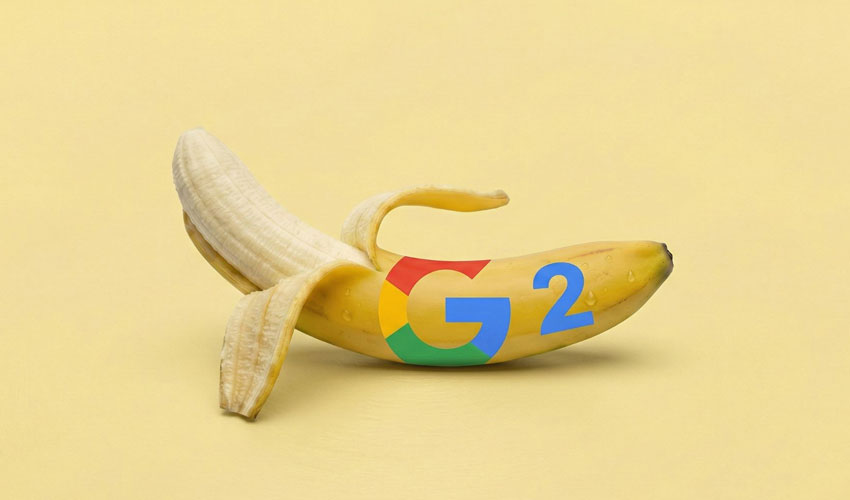
Google has rolled out Nano Banana 2, the latest upgrade to its viral AI image generator.
Now the default image model inside Gemini, the new system promises sharper visuals, better text rendering, and stronger subject consistency.
Nano Banana 2 — officially known as Gemini 3.1 Flash Image — replaces the previous default model in the Gemini app.
The update focuses on three major improvements: subject consistency, instruction following, and output quality.
According to Google, the model can maintain resemblance for up to five characters and 14 objects in a single workflow. That means creators no longer need to repeatedly describe characters, outfits, or backgrounds when generating a sequence of images.
Improved prompt accuracy
Google says Nano Banana 2 adheres more strictly to user prompts, capturing finer details and nuances. This higher prompt accuracy aims to reduce unexpected changes in composition or subject appearance.
Output quality has also been enhanced. Images now feature improved lighting, richer textures, and sharper details.
Users can generate visuals in multiple aspect ratios, including 1:1, 16:9, and 9:16. Resolution options range from 512 pixels up to 4K.
Two key features borrowed from Pro
Nano Banana 2 incorporates two notable upgrades previously exclusive to Nano Banana Pro: advanced real-world knowledge and improved text legibility.
Advanced Real-World Knowledge
With this feature, the model taps real-time information and images from the web. Google says this allows users to create more accurate infographics, diagrams, and data visualizations.
Improved Text Legibility
Text rendering has also been refined. Outputs now contain fewer typos and clearer lettering.
The model can even translate text within images, making it easier to share visual content across languages and audiences.
How it compares to Nano Banana Pro
While Nano Banana 2 shows noticeable improvements — especially in text rendering — the Pro model remains more advanced overall.
Paid Gemini plans start at $8 per month and go up to $250. However, accessing Nano Banana Pro now requires extra steps.
The “Create Image” tab in the Gemini app automatically uses Nano Banana 2. To generate images with Pro, users must first accept the default output and then select “Redo with Pro” from the three-dot menu below the image.
Where you can use Nano Banana 2
All users can try Nano Banana 2 immediately across multiple platforms.
It is available in the Gemini app, AI Mode, Google Lens, AI Studio, Google Cloud, Flow, and Google Ads.
The new image generator does not require a subscription. However, as with previous releases, paid users are likely to receive broader access and additional features.







.gif)

.jpg)