Apple Inc. has issued a warning to MacBook users about a widely used privacy accessory. The company says camera covers, if left on while closing the laptop, could damage the display.
In a support document, Apple cautioned users against closing their laptops with webcam covers installed.
The company explained that MacBook displays are designed with extremely tight clearances between the screen and keyboard. Even a thin accessory like a camera cover can put pressure on the display and cause damage.
Camera covers have become one of the most popular third-party privacy accessories for MacBook users.
Many people use them to physically block their webcams and prevent unauthorized access. This is especially common among users working in sensitive environments or those concerned about digital surveillance.
Hidden downsides of using camera covers
Apple noted that keeping a camera cover on at all times can also interfere with certain display functions.
Recent models like the MacBook Pro and MacBook Air include ambient light sensors that automatically adjust brightness and enable features like True Tone. Blocking the camera area may affect these capabilities.
Built-in privacy indicators in Apple devices
Apple emphasized that its devices already include privacy safeguards.
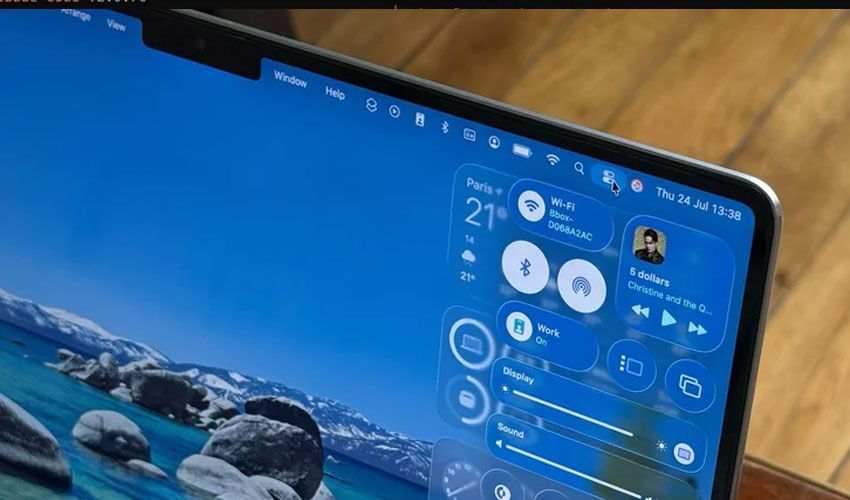
MacBooks traditionally feature a green indicator light when the camera is active. With the release of macOS Monterey in 2021, Apple introduced digital indicators—green for the camera and orange for the microphone—along with usage history in the Control Center.
A similar system exists on iPhones. With iOS 14 and later enhanced in iOS 15, users can see when apps access their camera or microphone and review recent activity.
The company has increasingly positioned privacy as a core feature of its ecosystem.
Over the years, Apple has made it harder for apps to track users and has given people more control over what data they share with third-party applications.
If you still need camera cover
For users who must use a webcam cover, Apple provided specific recommendations:
- The cover should not be thicker than a standard sheet of printer paper (0.1 mm)
- Avoid accessories that leave adhesive residue
- Remove thicker covers before closing the laptop
These steps can help reduce the risk of screen damage.
Apple reminded users that camera and microphone access is turned off by default.
Since macOS Mojave, apps must request permission before accessing the camera. Users can manage these permissions in System Settings under Privacy & Security.
In browsers like Safari, users can also control which websites are allowed to use the camera through settings.