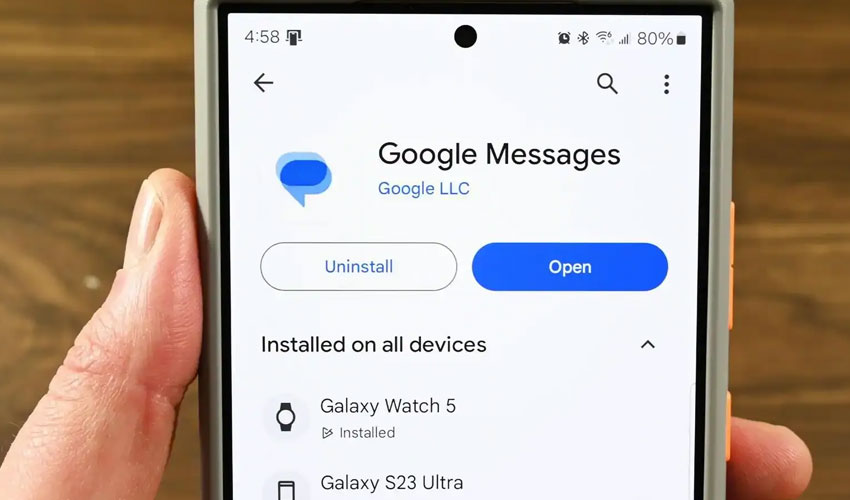
Google Messages is rolling out a new “Tap to draft” option that changes how Smart Replies work within the app.
Previously, tapping a suggested Smart Reply would immediately send the message, leading some users to disable the feature altogether to avoid accidental responses.
How ‘tap to draft’ works
With the new setting enabled, selecting a Smart Reply no longer sends the message automatically.
Instead, the suggested response is inserted into the compose field as a draft, allowing users to review, edit, or expand the message before manually pressing the send button.
Users must enable the feature
At launch, Google is keeping the existing “Tap to send” behavior as the default option.
Users who prefer the new functionality can enable it by navigating to:
Settings → Suggestions & Actions → Suggestions
The menu offers two options:
-
Tap to draft: Creates a message draft for editing before sending
-
Tap to send: Sends the Smart Reply immediately to the chat
Part of recent Google messages improvements
The update follows a testing phase that began earlier this year and is now rolling out with the latest stable version of Google Messages for Android (20260522_00_RC00).
The feature is considered a quality-of-life improvement aimed at reducing accidental interactions while preserving the convenience of AI-generated response suggestions.
By requiring users to manually send Smart Replies, Google is giving people an extra layer of control over their conversations.
The change may be particularly useful for users who rely on Smart Replies frequently but want to avoid sending unintended messages.




.jpg)